
Description
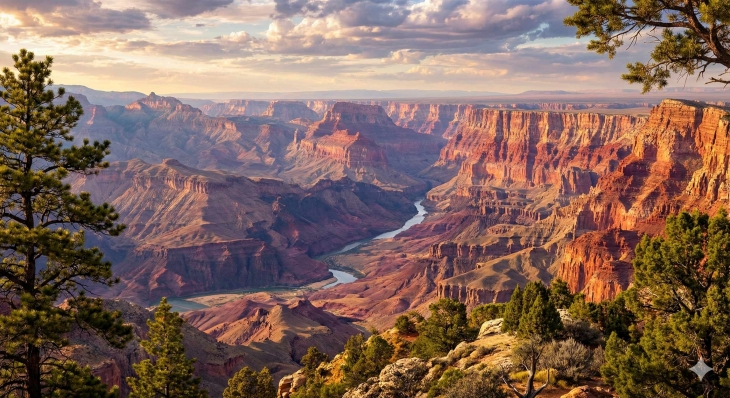
Custom Heightmap Importer for 7 Days to Die
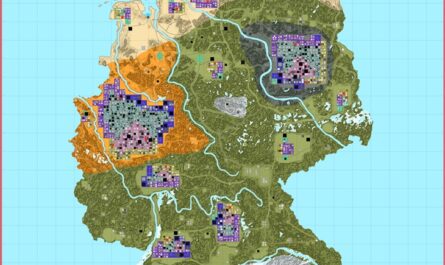
This mod allows for the use of custom heightmaps and biome maps into the 7 Days to Die Random World Generation (RWG) process. I’ve only tested the mod with maps that are 8192×8192.
How to Obtain a Height Map
The easiest way (and free) to obtain a real world height map is from the website:
https://manticorp.github.io/unrealheightmap/index.html#latitude/32.42170336417894/longitude/-106.5673828125/zoom/8/outputzoom/12/width/8192/height/8192/outputformat/png16
Another way is to buy TerreSculptor (https://www.demenzunmedia.com/). It has a very easy way of downloading height maps from anywhere in the world.
## Features
– **Custom Heightmap Support**: Automatically converts and imports a 16-bit grayscale `heightmap.png` (8192×8192) into the game’s internal `dtm.raw` format.
– **Custom Biome Map Support**: Imports a `biomes.png` to define biome distribution using color mapping. Map must be
the same size as the height map. The colors for the biomes must match the same hexadecimal or RGB colors listed below:
hexadecimal RGB
Forest: #004000, [0,64,0]
Burnt Forest: #BA00FF, [186,0,255]
Desert: #FFE477, [255,228,119]]
Snow: #FFFFFF, [255,255,255]
Wasteland: #FFA800, [255,168,0]
## How to Use
1. **Install the Mod**: Place the mod folder into your 7 Days to Die `Mods` directory.
2. **Add Maps**:
– Place a `heightmap.png` file in the mod folder.If there is no height map file the game will generate a map normally.
– (Optional) Place a `biomes.png` file in the mod folder. If there is no Biome map the game will generate one.
Download
DOWNLOAD ✔ Verified Safe (8.57 KB)
This file was scanned for viruses and verified safe using Norton 360.
Credits: John Nicholson



If you have any questions or have any problems/bugs, please use the support link (Discord, Forum Topic, GitHub Issues, etc.) in the post. If there is no support link in the post, please use the comments section.